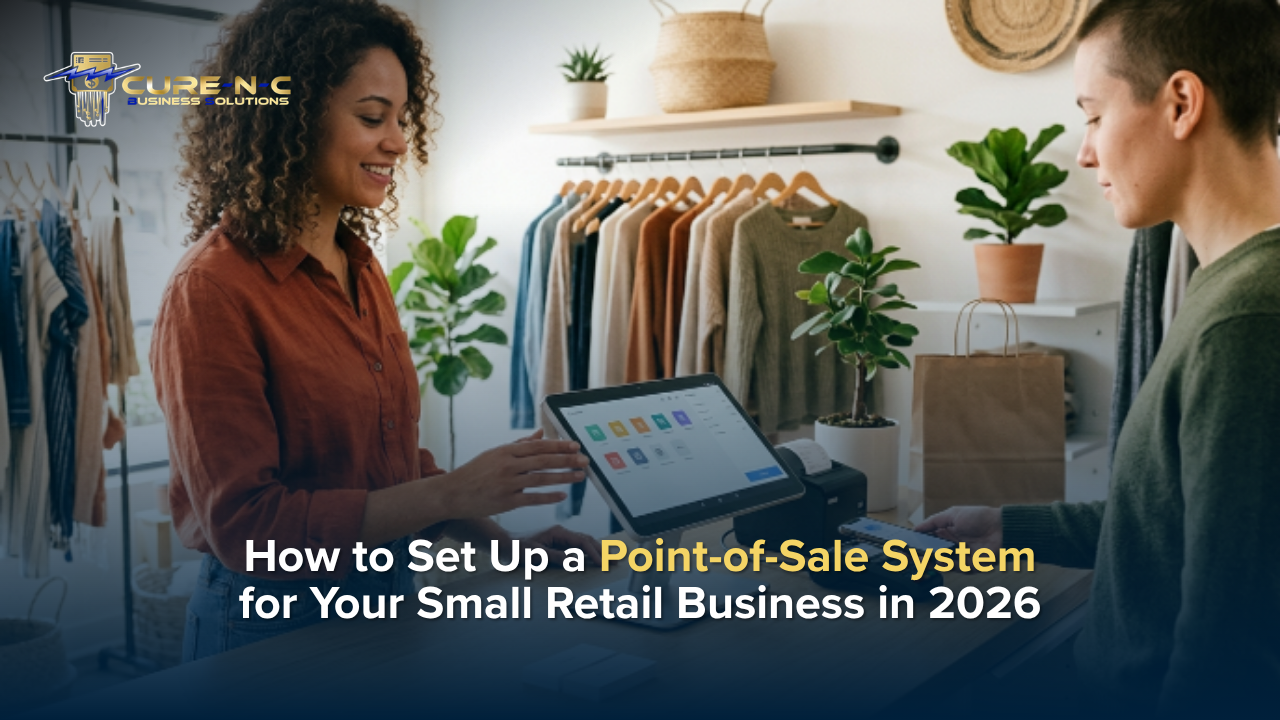

If you run a small retail business, your point-of-sale (POS) system is the heartbeat of every transaction. It is where money changes hands and where too many business owners unknowingly bleed profits through hidden fees, outdated hardware, and clunky software. In 2026, there is no reason your checkout experience should cost you more than it earns.
This guide walks you through everything you need to know to choose and set up the best POS system for your small retail business, from selecting the right hardware to eliminating processing fees entirely. Whether you are opening your first boutique, upgrading an aging register, or adding crypto payment capability, the right POS setup protects your profits from day one.
What Is a POS System and Why Does It Matter in 2026?
A point-of-sale system is the combination of hardware and software that processes customer payments, tracks inventory, and generates sales data. Modern POS systems go well beyond a basic card swipe they are full business management platforms.
In 2026, the right POS system can:
- Accept every payment type credit cards, debit, contactless tap-to-pay, QR code payments, and even cryptocurrency
- Track real-time inventory and alert you to low stock
- Generate sales reports that reveal your most profitable products
- Integrate with loyalty programs to drive repeat business
- Eliminate processing fees through dual pricing programs that can save small retailers $500–$2,000 or more per month
That last point matters more than most owners realize. The average small retail business pays 2–3% on every card transaction. On $30,000 in monthly sales, that is up to $900 in fees every single month money you already earned but never keep. The right POS solution, paired with a smart payment structure, can change that entirely.
Step 1 Assess Your Business Needs Before You Shop
Before comparing hardware brands or software plans, get clear on your own operation. Answer these questions:
- Volume: How many transactions do you process daily and monthly?
- Product catalog: Do you carry hundreds of SKUs or a tight curated inventory?
- Staff size: Will multiple employees use the system? Do you need role-based access?
- Locations: Single storefront, multi-location, or pop-up and market presence?
- Online integration: Do you sell on a website or marketplace that needs inventory sync?
- Payment types: Are you ready to accept cryptocurrency alongside traditional cards?
Your answers will narrow the field considerably. A one-person boutique has very different needs from a fast-moving gift shop with three employees and an online store. Knowing your requirements upfront prevents paying for features you will never use or missing ones you cannot operate without.
Step 2 Choose the Right POS Hardware for Retail
POS hardware in 2026 falls into a few primary categories:
Countertop Terminals
Traditional countertop terminals remain the standard for most brick-and-mortar retail. Modern terminals from providers like Clover, Valor PayTech, and Paybotx offer touchscreen displays, integrated receipt printers, and support for contactless payments. These are reliable, professional, and built for high-volume environments.
Mobile and Tablet-Based Systems
iPad or Android tablet systems offer flexibility at a lower upfront cost. Ideal for smaller footprints, pop-up shops, and businesses that sell at events. Most connect via Bluetooth to card readers and receipt printers.
All-in-One Smart Terminals
Compact units that combine the display, card reader, receipt printer, and POS software in a single device. Great for tight counter spaces and streamlined checkout lanes.
What to Look for in Every POS Terminal
- EMV chip and NFC/contactless capability (non-negotiable in 2026)
- Support for tap-to-pay, Apple Pay, Google Pay
- Crypto payment gateway integration if applicable
- Durable build quality with manufacturer warranty
- Clear, readable customer-facing display for price transparency
At CURE-N-C, we partner with Paybotx, Valor PayTech, and Clover to deliver and install fully configured POS hardware so your equipment arrives ready to process payments from day one, with zero technical headaches.
| Ready to upgrade your POS setup and stop losing money to processing fees? Explore CURE-N-C Payment Solutions |
Step 3 Select Your POS Software
Hardware is only half the equation. Your POS software determines what data you capture, how you manage inventory, and how much visibility you have into your business performance.
Key software features to prioritize for retail:
- Inventory management: Real-time stock counts, low-inventory alerts, and easy product catalog management
- Sales reporting: Daily, weekly, and monthly reports broken down by product, category, or employee
- Customer management: Purchase history, contact information, and loyalty program integration
- Employee management: Clock-in/out, sales tracking per employee, and permission levels
- Multi-channel sync: If you sell online, your POS should update inventory automatically
- Offline mode: A solid POS keeps processing transactions even when internet connectivity drops
Avoid software with long-term contracts, hidden monthly fee increases, or support lines that leave you on hold. Your POS software should work for you not trap you.
Step 4 Set Up Your Payment Processing the Smart Way
This is where most small retail owners leave serious money on the table. Traditional payment processing charges you 2–3% per transaction. Over a year, that eats thousands of dollars in profits you have already earned.
In 2026, there is a better approach:
The Dual Pricing Program
A dual pricing program displays two prices at checkout, one for cash and one for card. Customers choose how they pay. When they pay cash, you keep 100% of the sale. When they pay by card, the small processing cost is reflected in the card price. The result: you eliminate up to 100% of your processing fees while remaining fully compliant with federal law.
This is not a surcharge. It is a transparent, customer-friendly pricing structure that thousands of retail businesses across the country have adopted with no loss in sales volume.
Accepting Cryptocurrency
Forward-thinking retailers are also beginning to accept Bitcoin, Ethereum, and stablecoins through secure payment gateways. Crypto acceptance attracts a growing demographic of tech-savvy shoppers, eliminates chargebacks, and opens new revenue channels. CURE-N-C integrates crypto acceptance directly into your POS setup, no technical background required.
To understand exactly how much you could save, use the CURE-N-C Free Savings Calculator and see your real numbers in minutes.
Step 5 Install, Configure, and Train Your Team
The best POS system in the world fails if your team does not know how to use it confidently. Proper setup and training are not optional extras they are essential to a smooth launch.
A professional POS setup should include:
- Hardware delivery and physical installation terminals placed, cables managed, receipt paper loaded
- Software configuration your product catalog, pricing, taxes, and employee accounts set up before day one
- Payment processing activation your merchant account connected and tested with live transactions
- Staff training every team member confident running sales, processing returns, and closing the day
- Ongoing support a real support contact, not an offshore call center, available when something goes wrong
At CURE-N-C, we handle every step in-person. Billy Ho and his team personally deliver, install, and train your staff, then stay available for support long after installation day. No contracts. No hidden fees. Full support from a partner who actually shows up. Learn more on the CURE-N-C Business Solutions page.
Step 6 Protect Your POS System and Your Data
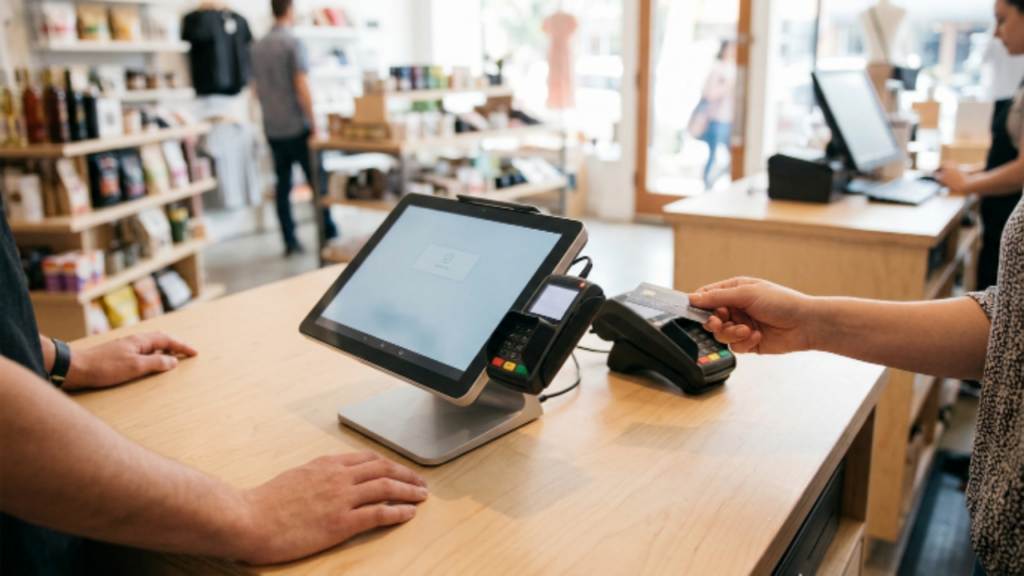
A POS system that handles payment data carries security responsibilities. In 2026, PCI DSS compliance is not optional it is required for any business accepting card payments.
Security essentials for retail POS systems:
- Use only PCI-compliant terminals and payment processors
- Enable end-to-end encryption on all transactions
- Set individual login credentials for each employee never share access
- Install software updates promptly they often contain critical security patches
- Review your transaction reports regularly for any anomalies
- Choose a processor that offers chargeback protection and fraud monitoring
Have questions about payment security and compliance? The CURE-N-C FAQs page covers the most common concerns small business owners have before switching systems.
Your POS Setup Checklist for 2026
Before you go live, run through this quick checklist:
- Business needs assessment completed
- Hardware selected and ordered (countertop, mobile, or all-in-one)
- POS software chosen with inventory, reporting, and employee management features
- Dual pricing program activated to eliminate processing fees
- Crypto acceptance configured if applicable
- Staff trained on all daily functions
- PCI compliance confirmed with your processor
- Ongoing support contact established
Frequently Asked Questions
What is the best POS system for a small retail business in 2026?
The best POS system for your small retail business depends on your transaction volume, product catalog, and payment needs. Look for systems that offer dual pricing to eliminate processing fees, support contactless and crypto payments, and come with real human support. CURE-N-C provides fully configured POS solutions through Clover, Valor PayTech, and Paybotx all delivered and installed in person.
How much does a POS system cost for a small retail store?
Hardware costs typically range from $200 to $1,500 depending on the terminal type and features. Software subscriptions can run $30–$150 per month. However, when you activate a dual pricing program, the savings from eliminated processing fees often cover the total cost of your new system within the first one to three months.
Can my POS system accept cryptocurrency payments?
Yes. Modern POS solutions can be configured to accept Bitcoin, Ethereum, stablecoins, and other cryptocurrencies through a secure gateway. CURE-N-C integrates crypto acceptance directly into your retail POS setup. Visit our Payment Solutions page to learn how.
Do I need a long-term contract for a POS system?
Not with the right provider. CURE-N-C offers POS setup with no long-term contracts and no hidden fees. You get full hardware, installation, training, and ongoing support without being locked into terms that do not benefit your business.
What is a dual pricing program and is it legal?
A dual pricing program displays two prices at checkout a cash price and a card price. Customers choose how they pay, and processing costs are transparently reflected in the card price. This structure is 100% legal and compliant nationwide under federal law when implemented correctly. CURE-N-C’s dual pricing setup has helped retail businesses eliminate up to 100% of their monthly processing fees.
How long does it take to set up a new POS system?
With professional installation support, most small retail POS setups can be completed in a single business day. CURE-N-C handles hardware delivery, terminal configuration, software setup, and staff training on-site, so your business keeps running with zero downtime.
Stop Losing Money at the Register: Start Saving Today
Your POS system should be working for your business, not against it. With the right hardware, a smart dual pricing program, and crypto-ready payment technology, your checkout can become one of your strongest profit-protection tools.
CURE-N-C Business Solutions delivers fully configured POS systems, eliminates processing fees through our Dual Pricing Program, and provides hands-on installation and training all with no contracts and no hidden fees. We have helped retail businesses across the country save thousands every month.
Use our Free Savings Calculator to see exactly how much your business could save. Then schedule a free consultation and let us build the right system for you.
| Protecting Your Business. Preserving Your Profits.⇒ Start Saving Today: Book Your Free Payment Assessment |
Questions? Call us at (702) 707-4711 or email TheCaptain@cure-n-c.com. Visit the CURE-N-C Resources page for more guides built for small business owners like you.